AI Resume Workflow: Write a Smart, ATS-Friendly Resume
Smart Resumes Made Easy: Using AI to Build a Resume That Gets Interviews
Modern hiring moves fast: applicant tracking systems scan, recruiters skim, and role requirements can shift weekly. AI can speed up resume writing, but only when it starts with clear inputs, honest facts, and a review process that keeps the final document accurate and readable. Below is a practical workflow for gathering career details, generating tailored bullets, optimizing for role language without sounding robotic, and finishing with clean, ATS-friendly formatting—plus a final checklist to help each application go out polished and consistent.
What Makes a Resume “Smart” in Today’s Job Search
A “smart” resume isn’t louder—it’s sharper. It anticipates how recruiters and systems scan, then makes the most relevant proof easy to spot.
- Targets a specific role: Headline, summary, and bullets reflect the job’s top needs.
- Prioritizes outcomes over duties: Impact, scope, and results appear early and often.
- Balances ATS readability and human clarity: Simple headings, consistent dates, no text boxes that break parsing.
- Uses a modular structure: A master resume plus role-specific versions you can generate quickly.
- Maintains credibility: Every claim is verifiable and aligned with background checks and references.
For a reality check on how hiring works in practice, it helps to review reputable guidance on job search methods and screening expectations from sources like the U.S. Bureau of Labor Statistics.
Set Up Your Inputs Before Using AI
AI output is only as strong as the details you provide. Before drafting anything, assemble your raw materials so the results come out specific and truthful.
- Collect job targets: 3–5 role titles, preferred industries, and location/remote constraints.
- Create a “career fact sheet”: Company names, titles, dates, tools used, metrics, certifications, and links (portfolio, GitHub, LinkedIn).
- List 8–12 proof points: Wins, process improvements, revenue/cost impact, customer satisfaction, cycle-time reductions, or risk mitigations.
- Identify keywords responsibly: Skills and tools that match real experience; avoid adding technologies you’ve never used.
- Decide the resume format: Chronological for steady progression; combination if pivoting; functional only when needed (and cautiously).
Career Fact Sheet (Quick Template)
| Field | Examples to Include | Notes |
|---|---|---|
| Role & dates | Marketing Manager | 2022–2025 | Use consistent month/year formatting |
| Core tools | GA4, HubSpot, SQL, Excel | Only tools used in real work |
| Key metrics | +18% pipeline, -12% churn, 30% faster close | Quantify scope and timeframe |
| Signature projects | Website redesign, CRM migration | Add scale: users, budget, stakeholders |
| Credentials | PMP, AWS CCP, SHRM-CP | Include issue year if relevant |
A Practical AI Workflow for Resume Writing
Think of AI as a drafting partner and editor—not as your source of truth. A repeatable workflow keeps your resume consistent while making each version genuinely role-aligned.
- Start with a master resume: Reorganize existing content into a clean structure (Summary, Skills, Experience, Education). Keep everything you’ve done in one “source” file.
- Generate role-specific summaries: Paste the job description and produce a 3–4 line summary that mirrors priorities without copying sentences verbatim.
- Convert responsibilities into achievements: Rewrite bullets using action + scope + result, then replace placeholders with real numbers and constraints.
- Build a tailored skills section: Sort skills into categories (Tools, Methods, Domain) so both ATS and humans can scan quickly.
- Create multiple versions quickly: Save one resume per role family (for example, “Customer Success Manager” vs. “Account Manager”) so you aren’t reinventing the wheel.
- Use AI as an editor: Run clarity, grammar, and brevity checks—then make the final calls yourself.
If you want a structured, step-by-step system you can reuse for every application, Smart Resumes Made Easy (digital guide) is designed to help you go from job description to tailored resume without starting from scratch.
Make AI-Generated Bullets Sound Human (and True)
AI bullets often fail in the same way: they’re vague. The fix is adding decision context, proof, and specificity—while keeping claims defensible.
Before/After Bullet Upgrades
| Original | AI Draft (Needs Editing) | Polished Final (Credible & Specific) |
|---|---|---|
| Responsible for reporting. | Created reports and improved analytics. | Built weekly KPI dashboards in Excel/GA4, reducing manual reporting time by 4 hours/week. |
| Helped with customer issues. | Provided excellent customer support and resolved problems. | Resolved 30–40 customer cases/week in Zendesk, improving CSAT from 4.3 to 4.6 over two quarters. |
| Worked on onboarding. | Led onboarding initiatives to drive success. | Redesigned onboarding checklists and email sequences, cutting time-to-first-value from 14 to 9 days. |
When you’re unsure which skills or tasks truly belong under a target role, cross-check role requirements and common skills in O*NET OnLine to keep your resume aligned with real-world expectations.
ATS-Friendly Formatting That Still Looks Professional
Modern Professional Checklist Before You Apply
A Ready-to-Use Digital Guide for Faster Resume Revisions
To support the rest of your job search routine (planning applications, follow-ups, and interview prep blocks), AI-Powered Days: Master Your Schedule with Smart Automation can help you build a system that’s easier to maintain week after week.
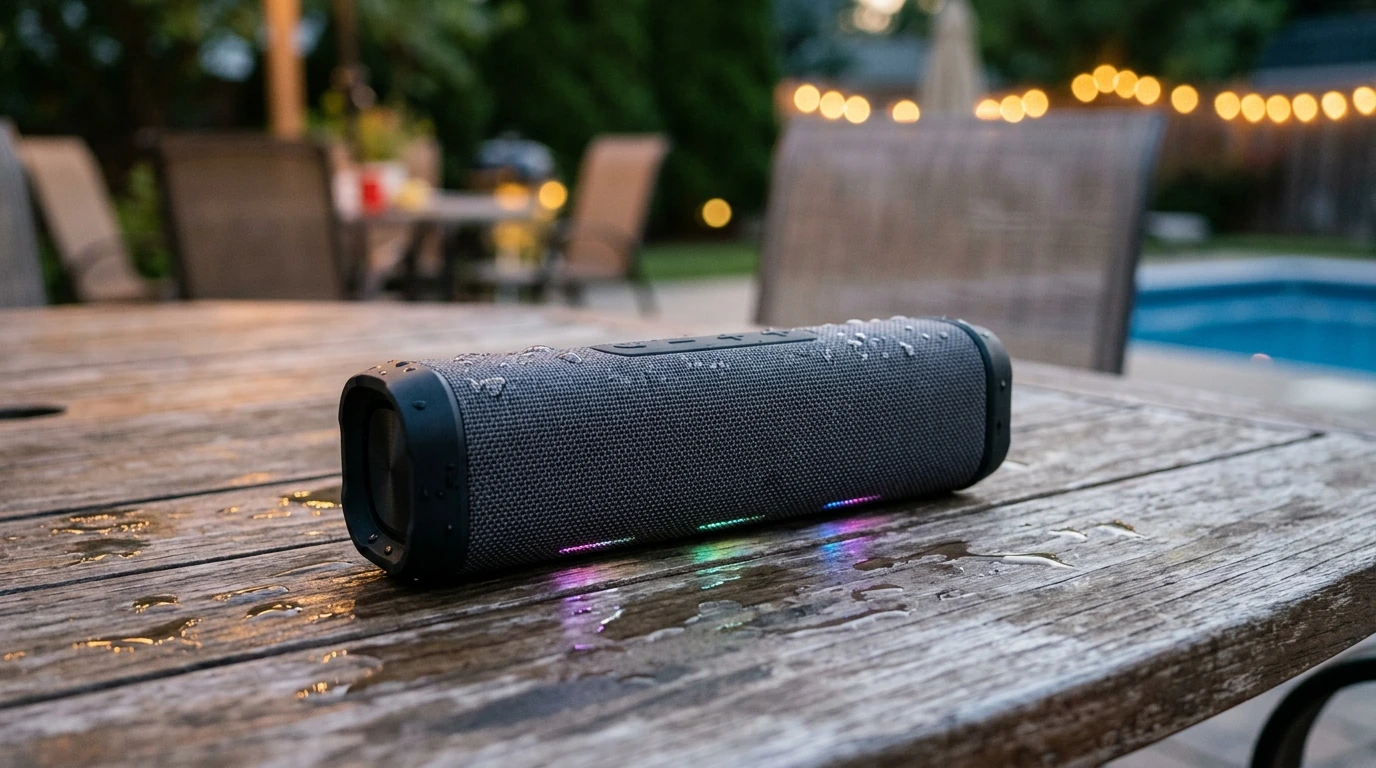
For clearer virtual interview audio—especially if you’re meeting hiring panels over video—consider a simple plug-and-play option like the Professional Wired Condenser Conference Microphone.
FAQ
Is it okay to use AI to write a resume?
Yes. Use AI for drafting and editing, then verify every detail, remove anything untrue, and make sure the final resume reflects real experience and measurable achievements.
How do AI-written resumes get past applicant tracking systems?
Use clean formatting with standard headings, avoid graphics or complex layouts, and include role-relevant terms naturally where they match your actual work.
What information should be provided to AI to get better resume bullets?
Share scope (team size, budget, volume), tools used, stakeholders, constraints, and measurable outcomes with timeframes. The more concrete the inputs, the more specific and credible the bullets will be.



Leave a comment